Prototypes bring your product to life before a single line of code is written. From low-fidelity wireframes to high-fidelity Figma mockups or live, data-driven builds, each prototype is tailored to validate ideas early—so you can move forward with clarity, confidence, and reduced risk.
Prototyping is a crucial step in ensuring your product meets user needs and business goals. Whether you’re testing early concepts, refining visual design, or simulating real-world performance, our prototyping services help provide clarity and direction, ensuring you make informed decisions and deliver an exceptional user experience.
Wireframes and mockups
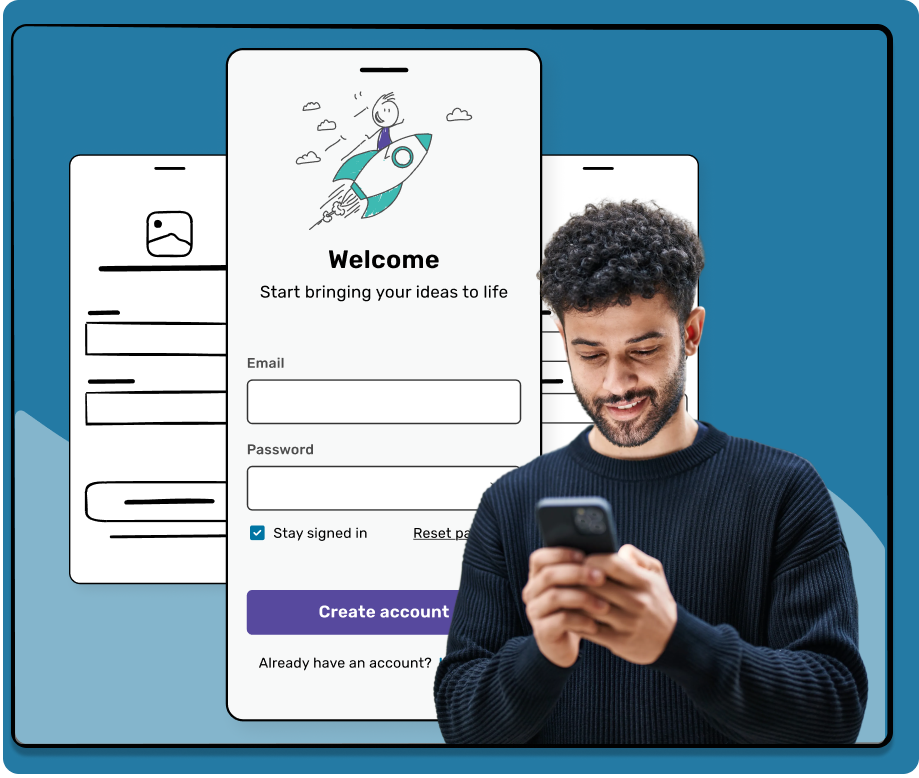
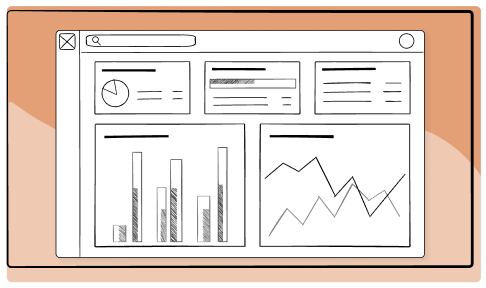
We quickly start visualizing design ideas using insights from the research phase and simple tools like sketches, wireframes, or basic digital mockups. Keeping wireframes and mockups simple allows us to quickly test concepts, gather feedback, and iterate our designs.
Early validation
Cost-effective and fast iteration
High-fidelity prototypes
Building on our refined low-fidelity mockups, we bring designs to life with high-fidelity prototypes in Figma. We incorporate realistic elements like brand colors, typography, realistic data, and interactive features. High-fidelity prototypes closely mimic the final product’s look and feel, providing a realistic preview of the end user experience.
Realistic user experience
Design validation
Front-end prototypes
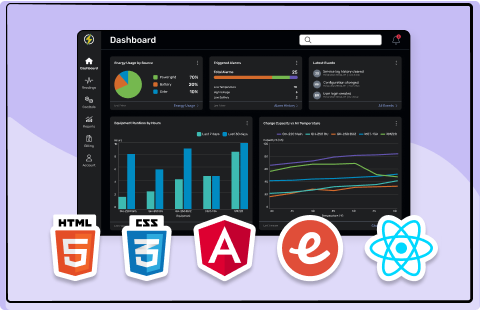
Front-end prototypes take high-fidelity designs a step further by being developed with actual code. These prototypes can incorporate real data, demonstrate interactions, showcase responsive layouts, and simulate performance. These prototypes can be built with HTML/CSS or JS frameworks like Angular, Ember, or React.
Real-world behavior
Usable front-end assets
Streamline development handoff
Prototypes help bridge the gap between design and development, reducing dev costs up to 33%
Explore and validate product ideas early to avoid costly rework and ensure you’re building the right solution from the start.
Feedback that moves projects forward
Interactive prototypes help decision-makers understand, align, and turn feedback into action.
Build with confidence
By identifying usability issues and gaps upfront, prototypes help minimize surprises during development and speed up delivery.
Our prototyping workflow
Research
Insights from our research are needed to inform our design decisions
Wireframe
Basic visual layouts illustrating structure and key functionality
Mockup
Detailed visual designs to mimic the final product’s look and feel
Prototype
Interactive designs to simulate user interactions and behavior
FAQs
What is prototyping, and why is it important?
Prototyping is the process of creating interactive models of a digital product to demonstrate how it will look and function before development begins. It helps validate design ideas, identify usability issues, and gather feedback early, reducing costly changes during development.
What types of prototypes do you create?
We create three types of prototypes. Low-fidelity wireframes and mockups show basic layouts so you can test concepts quickly. High-fidelity prototypes in Figma look and feel like the final product, with your branding, realistic data, and interactive features. Front-end prototypes are built with real code to show live data, interactions, and responsive layouts.
What tools and technologies do you use?
We design high-fidelity prototypes in Figma. For front-end prototypes, we build with HTML, CSS, and JavaScript frameworks such as React, Angular, and Ember.
What does the prototyping process look like?
Our process has four steps: research, wireframe, mockup, and prototype. We use research insights to guide the design, map out basic layouts, create detailed visuals, and build interactive prototypes that simulate how users will use your product.
Can you test prototypes with real users?
Yes! Prototypes are a great way to get user feedback before development. We can run usability testing on your prototype to find pain points and refine the design based on what we learn.
Can our developers use the prototype?
Yes! High-fidelity prototypes give your developers a clear picture of how everything should look and work. Front-end prototypes go further, providing usable code that helps speed up development.
What will I receive after prototyping is completed?
You’ll receive interactive prototypes that match the scope of your project, whether that’s wireframes, high-fidelity Figma designs, or coded front-end prototypes. Your team can use them to gather feedback, align stakeholders, and move into development with confidence.
If you’re prototyping, start with this checklist
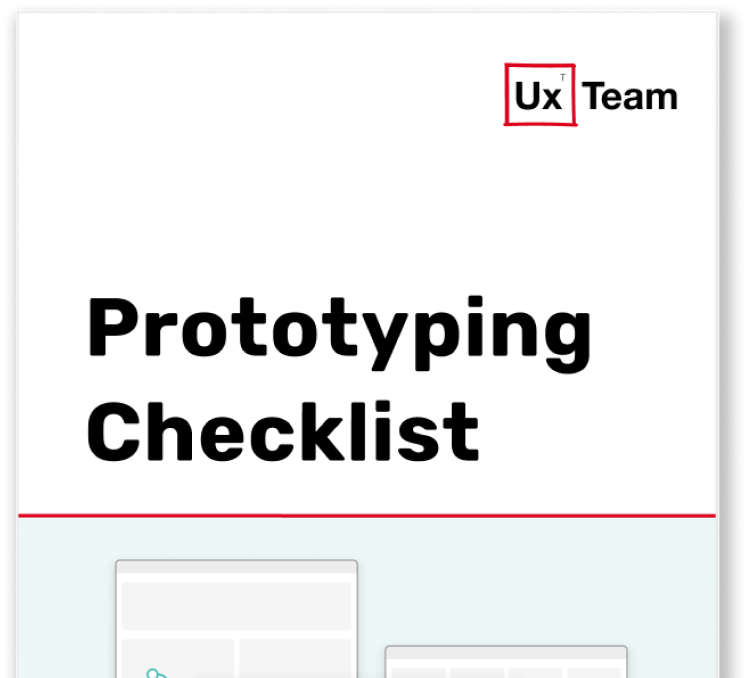
This checklist helps you review the most important principles of successful prototyping. Use it to quickly assess structure, interactions, and fidelity across wireframes, high-fidelity designs, and interactive prototypes—so you can catch gaps early and move forward with confidence.
Note: This checklist provides general guidance and may not cover every scenario. Always adapt it to your product goals, users, and stage of development.